For cafés and quick-service counters: a photo sell screen, a shift per drawer, loyalty, and expenses.
Dashing is for a café, juice bar or quick-service counter: a photo grid with F1 to F10 shortcuts, a shift per drawer, and loyalty points for regulars; it has no tables, no kitchen screen and no order modifiers, so a table-service restaurant will not find what it needs. Free, and it stays free. Every sale, payment and return posts to the books by itself, so you can run the shop without an accountant. It works in Arabic, Kurdish and English and in seventeen currencies, and the cashier keeps selling when the internet cuts.
Your first day
A new shop opens on the till. Type what the customer paid and press Charge for your first sale, or type a product name and price right there and press Add to sale. Then add tea, coffee and orange juice in the first-products screen with name, price and quantity, and ring up each cup by tapping its tile on the grid. After a sale, press Receipt on WhatsApp: WhatsApp opens with a link to the receipt, and nothing is sent until you tap send. For the office next door that pays at the end of the month, pick Credit, choose the customer or add them by name and phone, and say when they pay; the invoice is booked as a debt on their account.
An order in three taps
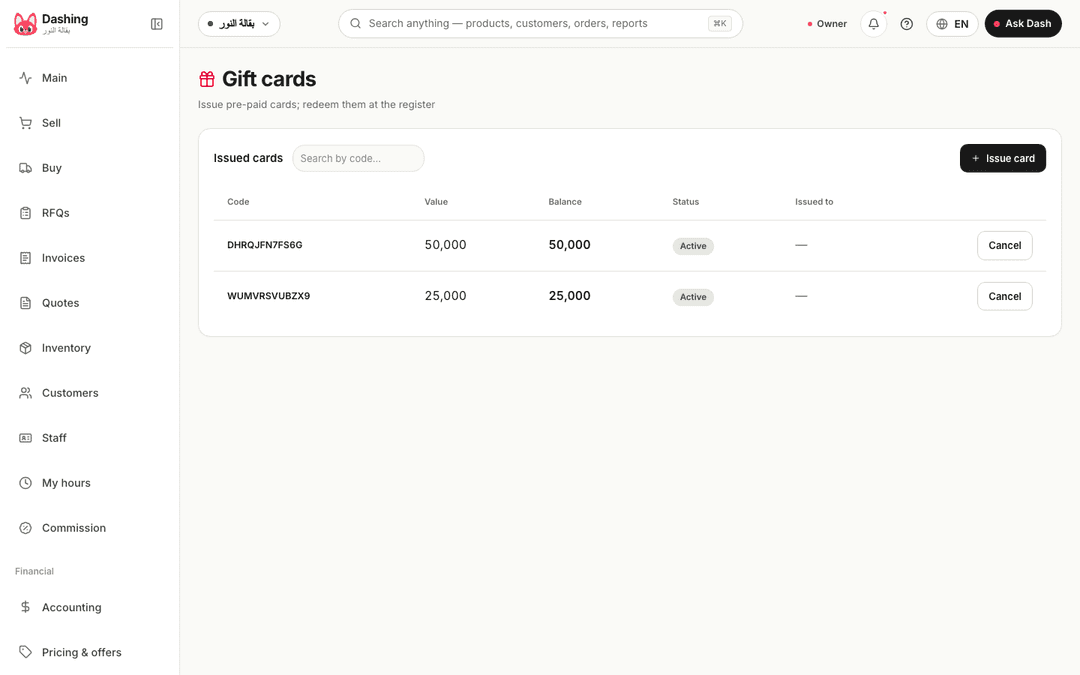
The grid is sorted into your own categories, with photos, most ordered items first. On the keyboard: F1 to the scan box, F2 to pick the customer, F4 to void the last line, F5 to F8 for quantity, percentage, amount and price on the selected line, F9 to charge. Payment is cash with the change worked out, or card, and the receipt prints on 80 mm paper from the print dialog. Loyalty points are earned with each invoice and redeemed inside the cart, and a gift card with a balance can be used as payment.
The drawer and the staff
- A shift per drawer opened with a float and closed with a count, the difference booked automatically; cash movements during the shift (paid in, paid out)
- The shift report compares the revenue, the number of invoices and the average ticket with the same weekday a week earlier
- Staff hours and commissions, and permissions per screen: the cashier sees only the cashier screen
- A daily expense with a receipt photo from the phone, and petty cash
- The cashier works offline; sales are saved on the device and uploaded when the connection returns
What it does not do
No tables, kitchen display or order modifiers (no sugar, extra milk). Table-service restaurants are outside Dashing's scope.
Common questions
Does it suit a restaurant with tables?
No. Dashing is for quick-service counters and retail; it has no tables and no kitchen display.
Does loyalty work without a card?
Yes; the points are kept on the customer's account in the software: pick the customer at the till and their points are earned and redeemed inside the cart.
From the blog
- How to open a restaurant: steps, costs, menu, food costHow to open a restaurant: the steps, what drives each cost, a short menu, costing dishes, food safety, a daily routine, mistakes and a checklist.
- How to open a café: steps, costs, first stock, menu pricingHow to open a café: the steps, what drives each cost, choosing first supplies, pricing the menu, a daily routine, common mistakes and a checklist.
Related
Try it in your shop, free, no card.
The free plan includes an offline cashier with stock, debts and accounting, and it stays free forever. What it includes