Hotels & rentals
Taking a reservation or a booking
Pick the room and dates, find or add the guest, check the price, then confirm or hold the room for a few hours.
Verified against the product on 2 min read
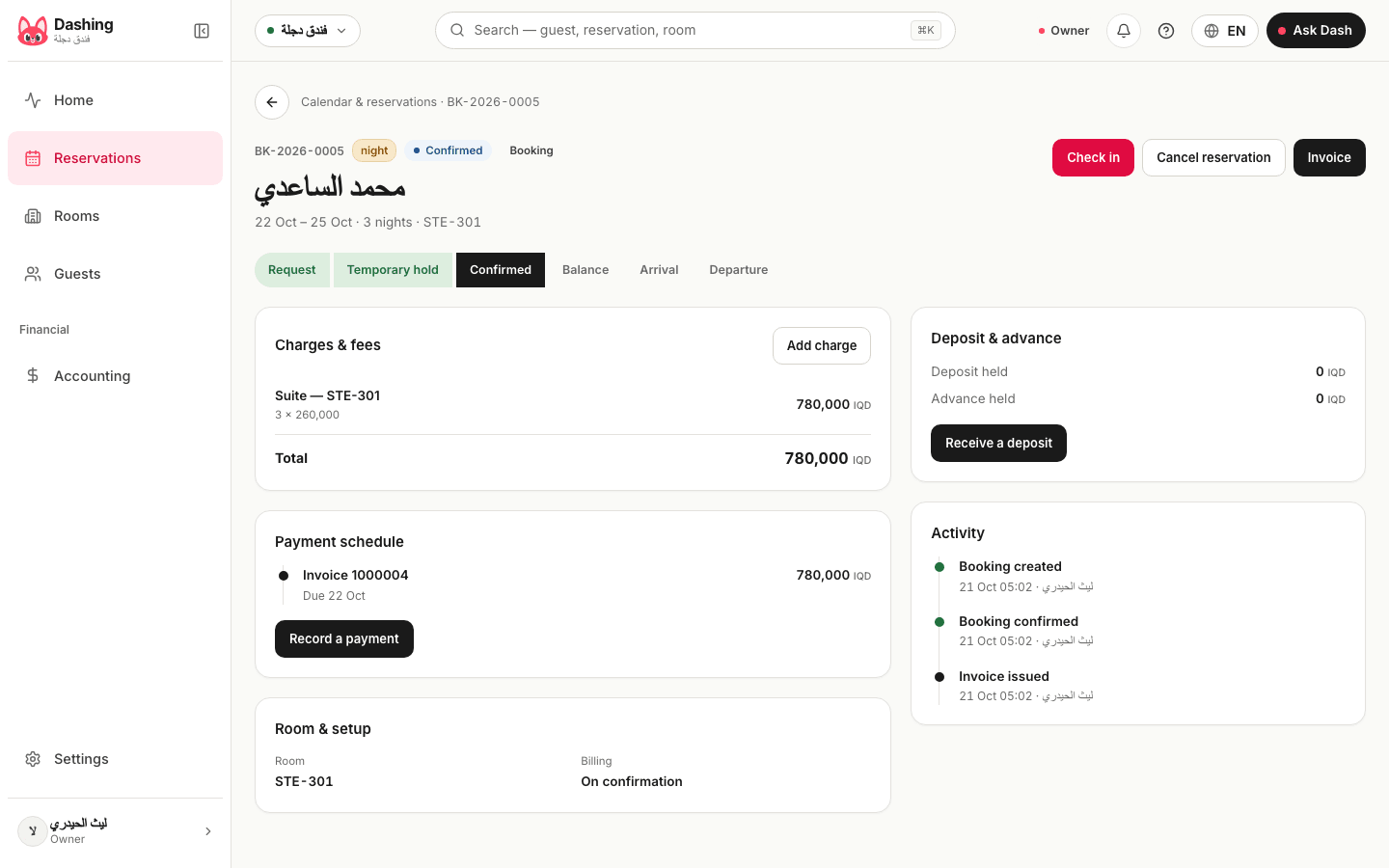
A reservation takes one screen in four steps. In the rentals app the words change to "booking", "customer" and "space", and the steps are the same.
Steps
- Open "Reservations" and press "New reservation" (in rentals, "Calendar & bookings", then "New booking").
- Step "Room & time": choose the "Room type", the date and the "Number of nights", and the "Number of guests". Pick a specific room, or leave it empty: the reservation then says "The room is assigned on arrival".
- Step "Guest": type a name or phone number to search. If the guest is new, press "New guest", enter the name and phone, and press "Add guest". The screen warns you if that name or phone already exists.
- Check the price. It is worked out from the room type and the dates. Add "Extras" you saved, or press "Edit price" on a line to change it.
- Press "Confirm reservation". If the room type allows holds, you also see a button "Hold temporarily — N-hour window".
- Press "Open the booking" to see the reservation, take a payment, or check the guest in later.
Notes
- A room already taken for the dates you chose cannot be picked.
- A hold keeps the room free of other bookings with no money taken. When the hours pass, the room is released by itself. Confirm before then to keep it.
- If the room type asks for "Deposit to confirm", confirming needs that prepayment first. Hold the room, take the advance, then confirm. See the article on deposits and payments.
- If a manager must approve reservations, the new one waits and the button "Approve reservation" appears for a manager.
- The calendar shows "Day — rooms", "Fortnight — rooms" and "Reservations list". Search by reservation number, guest or room.
- In the rentals app you also choose how to bill: "On the contract invoice", "Immediate invoice" or "After completion". A series of repeat dates books only the free dates and skips conflicts. Repeats are not held.
What the system does not do
- Guests cannot book by themselves online, and there is no link to booking websites.
- A hold does not send a reminder. Nothing is sent to the guest by itself.
Common questions
- What does a temporary hold do?
- It blocks the room on the calendar so nobody else can book it, with no payment commitment. It lets go by itself when the hold hours end. You see the button only if the room type allows holds.
- Can I change the price the system worked out?
- Yes. Use "Edit price" on a line and write a note if you want. The change is saved with the booking.
Was this page helpful?
In the same section
- Checking a guest in and outAssign the room, check in on arrival, add charges during the stay, check out, then settle what is held. Also cancel and no-show.
- Deposits, advances and payments on a bookingRecord a payment, take an advance, hold a deposit, and settle what is held at the end: refund it, keep it, or apply it to the invoice.
- Printing the receipt of a bookingOpen the booking invoice, send it to the guest on WhatsApp, or print it. To get a PDF, save it from the print window.
- Renting an office or apartment with a monthly contractDraft the contract in three steps, activate it, record rent and the security deposit, then give notice, renew or close it. Rentals app.
- Setting up room types and roomsAdd a room type with its price and rules, then its rooms, in three steps. The same screen sets up halls, offices and apartments in the rentals app.
This page is also available in العربية · کوردی
Read also
Did not find what you needed? Message us on WhatsApp